Skip to content

Your life doesn’t fit one template. Your planner shouldn’t either.

Build a planning system around the way you live. Create it inside RevereOS, make your own with AI, or bring a planner you’ve already made.

The three paths

Different ways to make it yours.

Choose how you’d like to create your personal planning system.

Build

Everything in one place.

Create and use your personal planning system inside RevereOS. No coding, no complicated setup.

Explore Builder

Create

Make something entirely your own.

Use guided prompts and an external AI tool to build a planning system from your ideas.

Explore Creation Kit

Host

Give your creation a home.

Bring a compatible planner you’ve created into your own hosted space.

Private pilot · Not yet on sale

See the package format

Made for real life

A system that takes your shape.

Different priorities. Different rhythms. A planner that adapts to you.

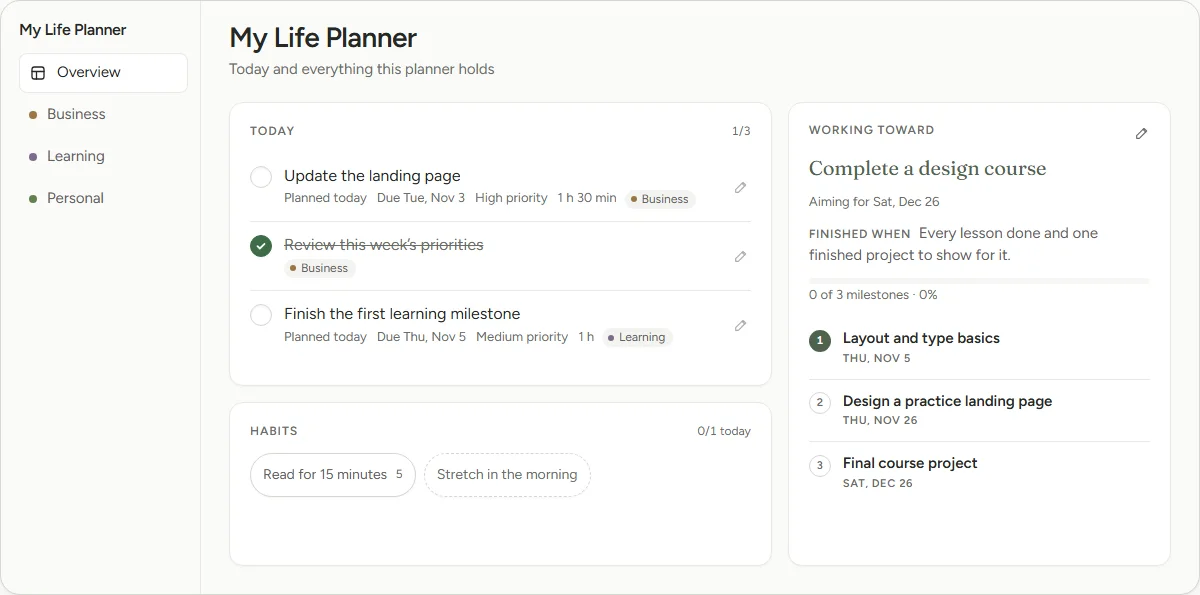
Example planner

My Life Planner

A balanced space for your goals, plans, habits and what matters most.

  • Plan your dayTurn intentions into clear actions.
  • Track your goalsMake steady progress that lasts.
  • Bring it all togetherYour life, your way, in one space.
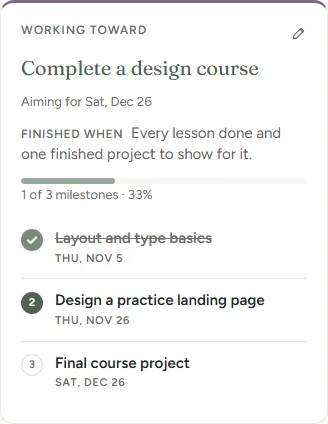
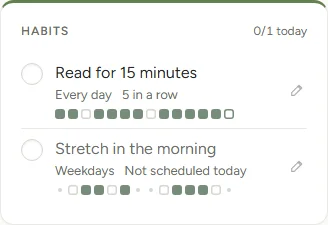
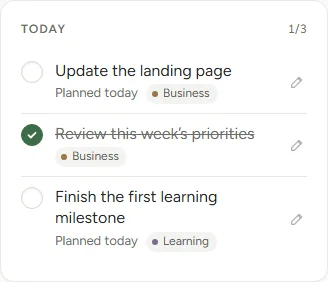
The planner from the interactive example.

Make it feel like yours. Each planner has its own look: 6 themes, then your own type, corners and spacing.

  • StillQuiet, minimal, balanced
  • HearthWarm, cozy, personal
  • BloomGentle, expressive, optimistic
  • AfterdarkFocused, atmospheric, contemporary
  • GroveNatural, grounded, organic
  • CurrentClear, structured, refreshing

Meet Rev

A little intelligence. A lot more clarity.

Meet Rev — the embedded intelligence of RevereOS. Thoughtful guidance when you need it, and room to make your own decisions.

Find my path

Five quick questions, no account needed.

An example from the interactive planner, shown as a picture.
  • Get focusedTurn ideas and goals into a clear plan.
  • Stay on trackGet guidance that helps you move forward.
  • Keep controlYou decide what to use, change or ignore.

Questions

What are the three paths?
  • Build: RevereOS Builder. A working planner app, ready to use every day on your phone and computer.
  • Create: Planner Creation Kit. Four ready-to-use prompts that take you from an empty AI chat to a planner built around your life.
  • Host: Custom Hosting. A private home for one planner you built yourself as web files, opened inside RevereOS.
Which can I get today?
  • RevereOS Builder is available now.
  • Planner Creation Kit is available now.
  • Custom Hosting is in a private, invitation-only pilot, and not available to buy.

Prices and details for each are on Ways to start.

Do I need to use AI?
  • RevereOS Builder: optional: Rev can suggest a starting structure for you to review, or you can build it yourself.
  • Planner Creation Kit: an AI chat tool you choose, such as ChatGPT, Claude or Gemini (not included).
  • Custom Hosting: not needed.
Can I try it before signing up?

Yes. The interactive example walks through a sample planner, and the short quiz suggests a path. Neither needs an account. The example is a sample to try, not a free plan.

Can I change my planner later?

In RevereOS Builder, yes: add, remove, move and resize modules, rename and reorder areas, and change the theme whenever you like.

  • Quick and guidedA simple, focused experience.
  • A recommendation for youA clear next step based on your preferences.
  • Start with confidenceMove forward with an approach that fits.